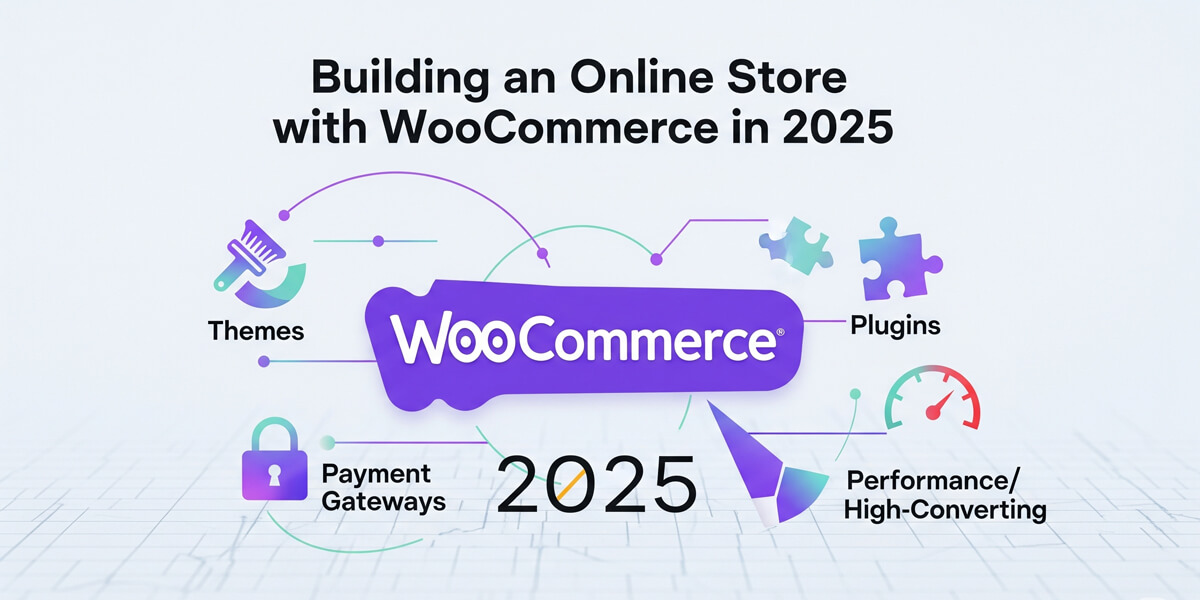
Welcome to Building an Online Store with WooCommerce in 2025! In today’s digital-first world, launching your own eCommerce business is more accessible—and more competitive—than ever. WooCommerce, the powerhouse plugin for WordPress, now drives over a quarter of all online stores worldwide, making it the go-to solution for entrepreneurs, creators, and established brands alike.
Whether you’re dreaming of selling handmade crafts, digital downloads, subscription boxes, or physical products, this comprehensive guide is your roadmap to success. We’ll walk you step-by-step through every stage: from setting up WordPress and WooCommerce, to choosing the perfect theme, installing must-have plugins, configuring secure payment gateways, and optimizing your store for speed and conversions.
You’ll also discover the latest strategies for marketing, SEO, and performance tuning—ensuring your store not only launches smoothly, but thrives in 2025’s fast-paced eCommerce landscape. Ready to turn your vision into a profitable, high-converting online shop? Let’s get started!
Table of Contents
Open Table of Contents
Why WooCommerce in 2025?
WooCommerce continues to dominate the eCommerce landscape in 2025, powering millions of online stores worldwide. Its popularity stems from being both powerful enough for enterprise-level businesses and accessible enough for first-time entrepreneurs. Let’s explore what makes WooCommerce the top choice for building your online store this year.
WooCommerce is flexible, scalable, and beginner-friendly. Here’s why it’s perfect:
- WordPress Integration: Seamlessly blends with your site.
- Customizable: Endless themes and plugins for any niche.
- Cost-Effective: Free to start, with affordable add-ons.
- Global Reach: Supports multi-currency, multilingual sales.
- SEO Boost: Leverages WordPress for top rankings.
Stat Alert: eCommerce sales are projected to hit $7 trillion globally by 2025, per Statista. Get your slice with WooCommerce!
1. Getting Started with WooCommerce
Before diving into themes and plugins, you need a solid foundation. Setting up WooCommerce properly from the start saves hours of troubleshooting later. This section covers the essential first steps: getting WordPress ready and installing WooCommerce with the setup wizard. Follow these steps carefully, and you’ll have a functional online store in under 15 minutes, ready for customization and product uploads.
Let’s lay the foundation for your online store.
1.1 Set Up WordPress
- Domain & Hosting: Pick a domain (e.g., yourstore.com) and reliable hosting (SiteGround, Kinsta).
- Install WordPress: Use a one-click installer via cPanel or manual setup.
- Guide: See Install WordPress in Hosting: cPanel & Manual Methods for details.
1.2 Install WooCommerce
- Add Plugin: In WordPress Dashboard, go to Plugins > Add New.
- Search: Type “WooCommerce,” install, and activate.
- Setup Wizard: Follow prompts to set store location, currency, and payment options.
- Time: 5-10 minutes to be live!
- Resource: Start with Start an Online Store with WooCommerce: 2025 Guide for a full walkthrough.
2. Choosing the Perfect Theme
Your theme is the visual foundation of your WooCommerce store—it’s what customers see first and what drives their buying decisions. In 2025, shoppers expect fast-loading, mobile-responsive designs that build trust instantly. The right theme can boost conversions by up to 30%, while a poor choice can kill sales before they start. Let’s explore how to pick and implement the perfect theme for your store’s success.
2.1 Theme Criteria
- Responsive: Mobile-friendly for 70%+ of shoppers.
- Fast: Quick-loading for SEO and UX.
- WooCommerce-Ready: Built for seamless integration.
- Options: Free (Storefront) or premium (Flatsome, Astra Pro).
2.2 Top Picks for 2025
| Theme | Key Features | Best For |
|---|---|---|
| Storefront | Free, lightweight, customizable | Beginners, small stores |
| Flatsome | Drag-and-drop, fast, versatile | Retail, creative shops |
| Astra Pro | Speed, WooCommerce tools | All niches, performance |
| Porto | 100+ demos, high-converting | Fashion, electronics |
- How: Go to Dashboard > Appearance > Themes > Add New, install, and activate.
- Deep Dive: Explore Best WooCommerce Themes for High-Converting Online Stores for reviews and tips.
Pro Tip: Test themes on mobile and desktop—speed and layout win sales!
3. Essential WooCommerce Plugins
Plugins are the secret weapon that transforms your basic WooCommerce store into a powerful, feature-rich eCommerce platform. While WooCommerce handles the core functionality, strategic plugins add advanced features like SEO optimization, marketing automation, and enhanced checkout experiences. In 2025, choosing the right plugins can mean the difference between a struggling store and a thriving business. Let’s explore the essential plugins that every successful WooCommerce store needs.
3.1 Top Plugins
| Plugin | Purpose | Why It’s Great |
|---|---|---|
| WooCommerce | Core eCommerce functionality | Manages products, cart |
| Yoast WooCommerce SEO | Boost product rankings | Optimizes for Google |
| WooCommerce Subscriptions | Recurring payments | Ideal for memberships |
| Product Add-Ons | Custom product options | Personalize offerings |
| CartFlows | Sales funnels, checkout tweaks | Boosts conversions |
- Install: Dashboard > Plugins > Add New, search, install, activate.
- Full List: Check Top 10 Must-Have WooCommerce Plugins for Online Stores for more.
3.2 Avoid Overload
- Limit: 5-10 plugins to keep speed.
- Remove: Deactivate unused or redundant ones.
4. Adding Products
Products are the heart of your WooCommerce store—without them, you don’t have a business. This section covers everything from simple products to complex variations, ensuring your inventory is properly organized and optimized for sales. Whether you’re selling physical goods, digital downloads, or bundled packages, these steps will get your products live and ready to generate revenue.
4.1 Product Types
- Simple: One item (e.g., a t-shirt).
- Variable: Variations (e.g., sizes, colors).
- Digital: Downloads (e.g., eBooks, music).
- Grouped: Bundles of related items.
4.2 Steps to Add
- Go To: Dashboard > Products > Add New.
- Details: Enter name, description, price.
- Images: Upload clear, compressed photos (100-200KB).
- Categories & Tags: Organize (e.g., “Clothing,” “Summer”).
- Publish: Hit the button—live on your store!
- Tip: Use Optimize WordPress Images for Faster Loading for speed.
5. Setting Up Payment Gateways
Payment gateways are the bridge between your customers and their money—get this wrong, and you lose sales instantly. In 2025, shoppers expect multiple payment options, lightning-fast checkouts, and bank-level security. The right gateway setup can increase conversions by 20-35% while building customer trust. Let’s configure secure, user-friendly payment methods that turn browsers into buyers and keep your revenue flowing smoothly.
5.1 Popular Options
- PayPal: Trusted, global, easy setup.
- Stripe: Cards, Apple Pay, fast payouts.
- Square: Great for physical + online sales.
- Bank Transfer: Manual, low-cost option.
5.2 How to Configure
- Go To: Dashboard > WooCommerce > Settings > Payments.
- Enable: Toggle on Stripe, PayPal, etc.
- Add Keys: Get API keys from provider (e.g., Stripe dashboard).
- Test: Run a $1 transaction to confirm.
- Secure: Ensure SSL (HTTPS) is active.
- Guide: Follow Setup Payment Gateways for WooCommerce for step-by-step help.
Caution: Test all gateways—failed payments lose customers!
6. Customizing Product Pages
Product pages are where browsers become buyers—they’re the most critical conversion points in your WooCommerce store. In 2025, customers expect professional layouts, high-quality images, compelling descriptions, and seamless mobile experiences. A well-optimized product page can increase conversions by 40% or more, while poorly designed pages send customers straight to competitors. Let’s transform your product pages into sales-generating powerhouses.
6.1 Key Tweaks
- Images: Add galleries, zoom features.
- Descriptions: Clear, benefit-focused text.
- Buttons: Bold “Add to Cart” with colors.
- Upsells: Suggest related items (e.g., “Buy this shirt with these pants”).
6.2 Tools & Methods
- Plugins: Elementor, WooCommerce Product Add-Ons.
- Custom Code: Tweak templates via child theme.
- How: Edit layouts, add tabs, or style with CSS.
- Expert Tips: See Customize WooCommerce Product Pages Like a Pro for advanced tricks.
7. Optimizing Performance
A fast WooCommerce store is non-negotiable in 2025—customers expect pages to load in under 3 seconds, and Google rewards speed with higher rankings. Slow stores lose 40% of visitors and hurt conversions, while optimized stores see 25% more sales. This section covers essential performance tweaks: image compression, caching, CDNs, and Core Web Vitals optimization to keep your store lightning-fast and profitable.
7.1 Speed Strategies
- Images: Compress and use WebP (see Section 4).
- Caching: Use WP Rocket or LiteSpeed Cache for static pages.
- CDN: Cloudflare delivers assets fast globally.
- Database: Clean revisions, spam with WP-Optimize.
7.2 Core Web Vitals
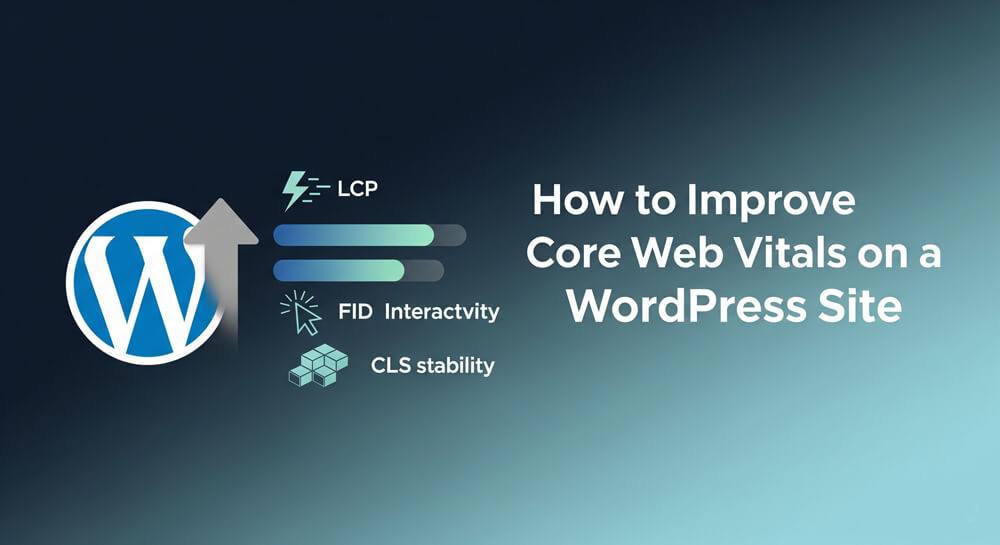
- LCP: Under 2.5s—fast hosting, minified CSS/JS.
- CLS: Stable layout—set image sizes.
- FID: Under 100ms—reduce heavy scripts.
- Resource: Dive into WooCommerce Performance Optimization for full details.
More: Explore Performance Category for speed hacks.
8. Marketing Your Store
Launch is just the start—drive sales in 2025. A beautiful WooCommerce store means nothing without customers. In 2025, successful online stores combine SEO optimization, content marketing, email campaigns, and social media to attract and convert visitors. Smart marketing can triple your revenue within months. Let’s explore proven strategies to get your store discovered, build customer loyalty, and turn traffic into consistent sales through targeted promotion and engagement.
8.1 SEO & Content
- Optimize: Use Yoast for product titles, meta descriptions.
- Blog: Post tips, guides—link to products.
- Help: See Improve Core Web Vitals for Your WordPress Site.
8.2 Email & Social
- Email: Build lists with Mailchimp, send promos.
- Social: Share on Instagram, Facebook—link to store.
- Tie-In: Use Build Email List: WordPress Beginners Guide.
9. 2025 Store Checklist
- Install WooCommerce: Start an Online Store with WooCommerce: 2025 Guide.
- Pick a theme: Best WooCommerce Themes for High-Converting Online Stores.
- Add plugins: Top 10 Must-Have WooCommerce Plugins for Online Stores.
- Set payments: Setup Payment Gateways for WooCommerce.
- Customize pages: Customize WooCommerce Product Pages Like a Pro.
- Optimize speed: WooCommerce Performance Optimization.
- Explore WooCommerce Category and Ecommerce Tag.
Final Thoughts
Building an online store with WooCommerce in 2025 is your ticket to eCommerce success. From setup and themes to plugins, payments, and performance, this guide equips you to launch a fast, user-friendly, high-converting shop. Start today: install WooCommerce, pick a theme, and add products. Dive deeper with WooCommerce Category and stay updated via Ecommerce Tag.
Questions? Drop a comment or contact me! Let’s make your 2025 store a winner!