Featured image for How to Customize WooCommerce Product Pages Like a Pro
πŸ“ Post
WordPressWooCommerceTutorial

How to Customize WooCommerce Product Pages Like a Pro

Published:  at 
⏰ 11 min read

Learn how to redesign WooCommerce product pages using templates and hooks.

Featured image for Using WP-CLI: Automate and Manage WordPress at Scale
πŸ“ Post
WordPressDevelopmentServer AdministrationTutorial

Using WP-CLI: Automate and Manage WordPress at Scale

Published:  at 
⏰ 11 min read

How to Automate and Manage WordPress from the Command Line using WP-CLI.

Featured image for Top 10 Must-Have WooCommerce Plugins for Online Stores
πŸ“ Post
WordPressTutorial

Top 10 Must-Have WooCommerce Plugins for Online Stores

Published:  at 
⏰ 15 min read

Supercharge your WooCommerce store with these powerful plugins for better sales and UX.

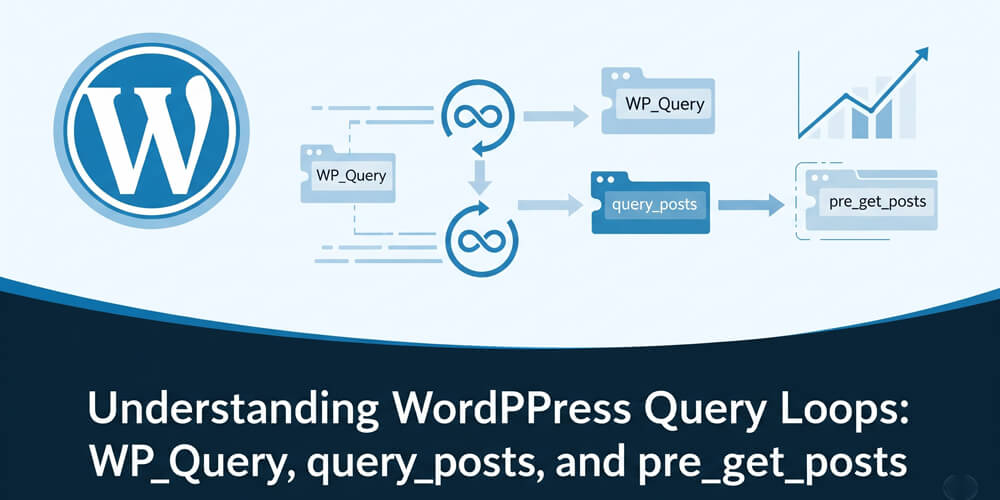
Featured image for Understanding WordPress Query Loops: WP_Query, query_posts, and pre_get_posts
πŸ“ Post
WordPressDevelopmentTutorial

Understanding WordPress Query Loops: WP_Query, query_posts, and pre_get_posts

Published:  at 
⏰ 9 min read

Learn how to effectively use WP_Query, query_posts, and pre_get_posts in WordPress to customize your content queries and improve performance.

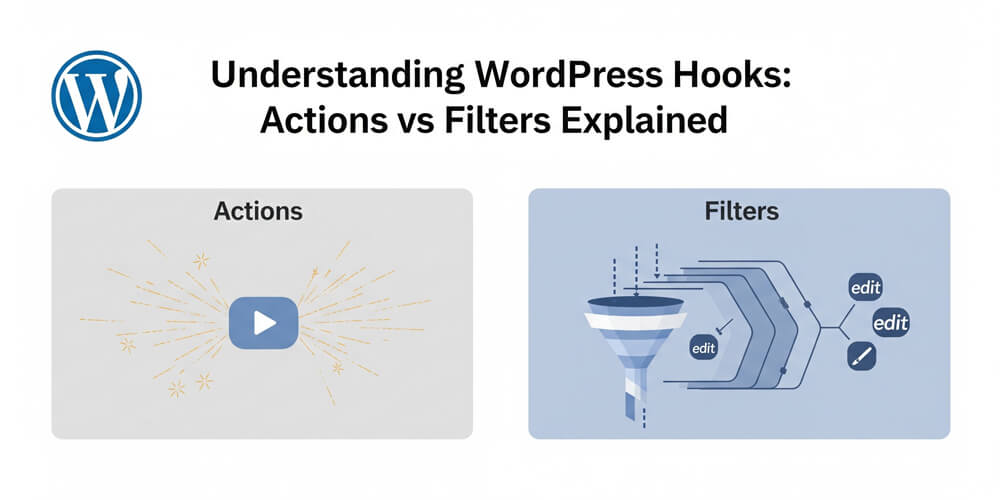
Featured image for Understanding WordPress Hooks: Actions vs Filters Explained
πŸ“ Post
WordPressDevelopmentTutorial

Understanding WordPress Hooks: Actions vs Filters Explained

Published:  at 
⏰ 18 min read

Learn how WordPress hooks work and how to use actions and filters like a developer.

Featured image for How to Improve Core Web Vitals on a WordPress Site
πŸ“ Post
WordPressMarketingTutorial

How to Improve Core Web Vitals on a WordPress Site

Published:  at 
⏰ 8 min read

Learn practical steps to optimize LCP, FID, and CLS on your WordPress site.

Featured image for How to Add Push Notifications to Your WordPress Blog
πŸ“ Post
WordPressMarketingTutorial

How to Add Push Notifications to Your WordPress Blog

Published:  at 
⏰ 9 min read

Learn how to add web push notifications to drive traffic and engagement on your blog.

Featured image for How to Build a Custom WordPress Plugin from Scratch
πŸ“ Post
WordPressDevelopmentTutorial

How to Build a Custom WordPress Plugin from Scratch

Published:  at 
⏰ 16 min read

Step-by-step tutorial for building and activating your own WordPress plugin.

Featured image for How to Use WP-CLI to Manage WordPress from the Command Line
πŸ“ Post
WordPressDevelopmentServer AdministrationTutorial

How to Use WP-CLI to Manage WordPress from the Command Line

Published:  at 
⏰ 8 min read

Speed up WordPress management with WP-CLI. Learn how to install, use, and automate tasks like updates, backups, and more from the command line.
Featured image for Understanding WordPress Action and Filter Hooks with Use Cases
πŸ“ Post
WordPressDevelopmentTutorial

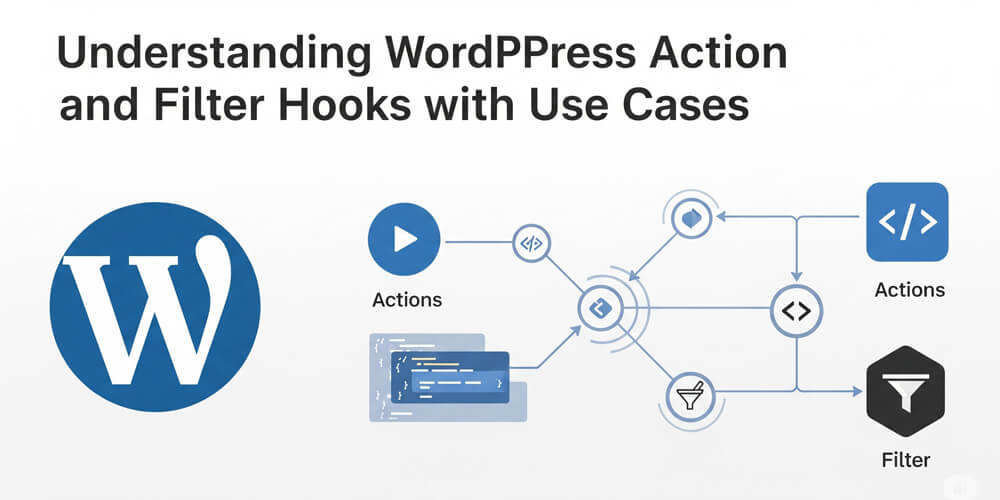
Understanding WordPress Action and Filter Hooks with Use Cases

Published:  at 
⏰ 18 min read

An in-depth look at WordPress action and filter hooks, including advanced use cases for plugin development and customization.

Featured image for How to Use WP_Schedule_Event for Scheduling Automated Tasks
πŸ“ Post
WordPressDevelopmentServer AdministrationTutorial

How to Use WP_Schedule_Event for Scheduling Automated Tasks

Published:  at 
⏰ 7 min read

A guide on using WP_Schedule_Event in WordPress.

Featured image for Improving WordPress Performance with Object Caching (Redis/Memcached)
πŸ“ Post
WordPressServer AdministrationTutorial

Improving WordPress Performance with Object Caching (Redis/Memcached)

Published:  at 
⏰ 9 min read

Boost your WordPress site’s speed with object caching using Redis or Memcached. Learn how they work and follow this step-by-step guide to implement them.