Tutorial category
72 posts

Tutorial

Step-by-step tutorials and comprehensive how-to guides

Comprehensive tutorials and how-to guides for various tech topics and tools with detailed instructions and practical examples.
Featured image for Best WordPress Security Plugins to Keep Your Site Safe (2025 Edition)
πŸ“ Post
WordPressSecurityTutorial

Best WordPress Security Plugins to Keep Your Site Safe (2025 Edition)

Published:  at 
⏰ 8 min read

Discover the top-rated security plugins to lock down your WordPress site in minutes.

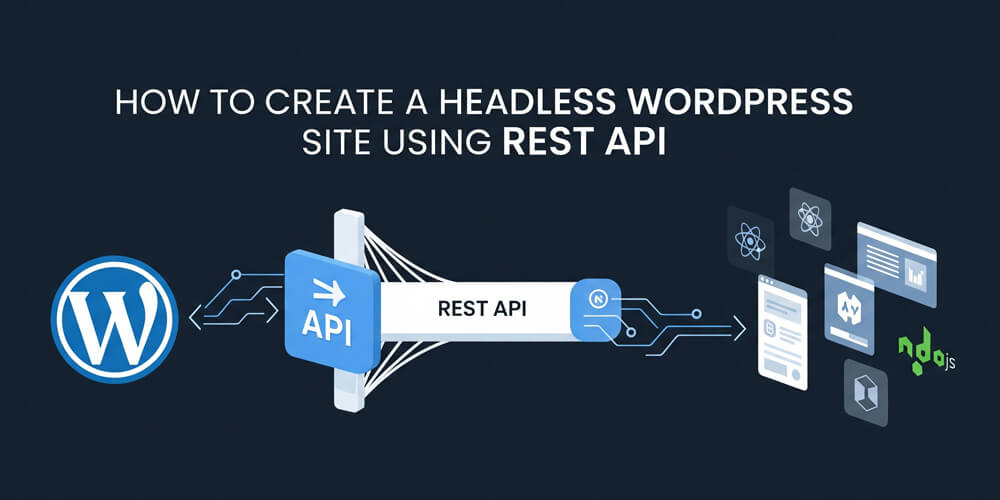
Featured image for How to Create a Headless WordPress Site Using REST API
πŸ“ Post
WordPressDevelopmentTutorial

How to Create a Headless WordPress Site Using REST API

Published:  at 
⏰ 16 min read

Go headless with WordPress by using the REST API to build decoupled frontends.

Featured image for What to Do If Your WordPress Site Gets Hacked
πŸ“ Post
WordPressSecurityTutorial

What to Do If Your WordPress Site Gets Hacked

Published:  at 
⏰ 10 min read

Step-by-step recovery guide if your WordPress site has been compromised.

Featured image for How to Customize WooCommerce Product Pages Like a Pro
πŸ“ Post
WordPressWooCommerceTutorial

How to Customize WooCommerce Product Pages Like a Pro

Published:  at 
⏰ 11 min read

Learn how to redesign WooCommerce product pages using templates and hooks.

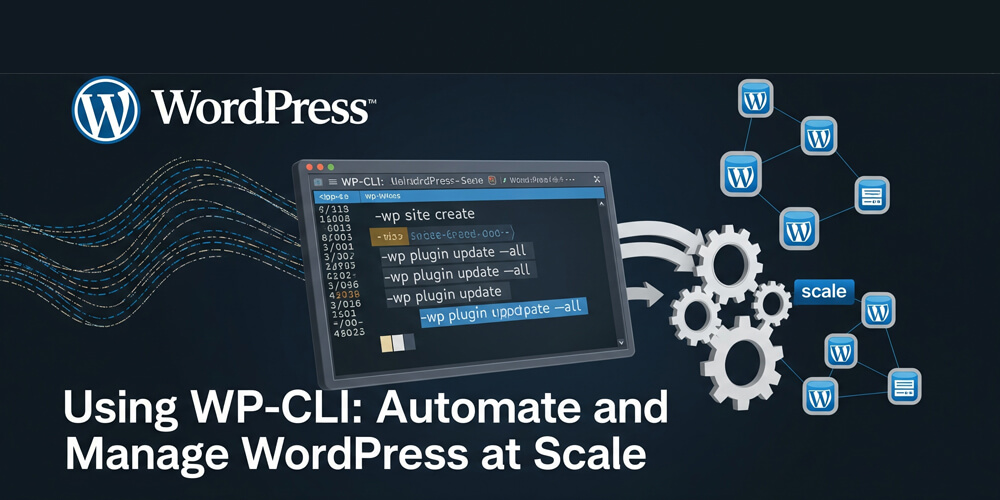
Featured image for Using WP-CLI: Automate and Manage WordPress at Scale
πŸ“ Post
WordPressDevelopmentServer AdministrationTutorial

Using WP-CLI: Automate and Manage WordPress at Scale

Published:  at 
⏰ 11 min read

How to Automate and Manage WordPress from the Command Line using WP-CLI.

Featured image for Top 10 Must-Have WooCommerce Plugins for Online Stores
πŸ“ Post
WordPressTutorial

Top 10 Must-Have WooCommerce Plugins for Online Stores

Published:  at 
⏰ 15 min read

Supercharge your WooCommerce store with these powerful plugins for better sales and UX.

Featured image for How to Create a Membership Site with WordPress
πŸ“ Post
WordPressBusinessTutorial

How to Create a Membership Site with WordPress

Published:  at 
⏰ 11 min read

Build a members-only area on your WordPress site using plugins like MemberPress or Paid Memberships Pro.

Featured image for How to Create a Multilingual WordPress Site (Free & Paid Tools)
πŸ“ Post
WordPressBusinessTutorial

How to Create a Multilingual WordPress Site (Free & Paid Tools)

Published:  at 
⏰ 10 min read

Expand globally by making your WordPress site multilingual using the best translation plugins.

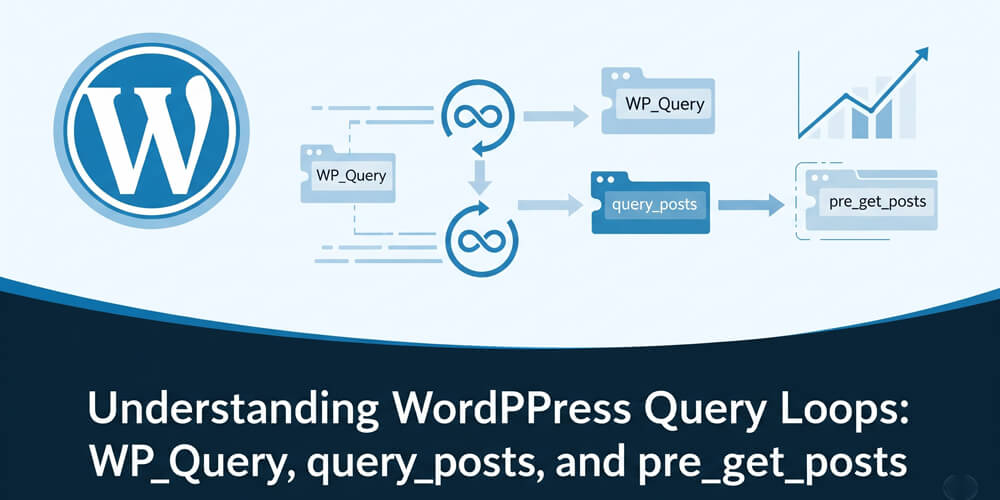
Featured image for Understanding WordPress Query Loops: WP_Query, query_posts, and pre_get_posts
πŸ“ Post
WordPressDevelopmentTutorial

Understanding WordPress Query Loops: WP_Query, query_posts, and pre_get_posts

Published:  at 
⏰ 9 min read

Learn how to effectively use WP_Query, query_posts, and pre_get_posts in WordPress to customize your content queries and improve performance.

Featured image for How to Build an Email List with WordPress (Beginner’s Guide)
πŸ“ Post
WordPressEmailTutorial

How to Build an Email List with WordPress (Beginner’s Guide)

Published:  at 
⏰ 12 min read

Start building a targeted email list for your WordPress site using opt-in forms and lead magnets.

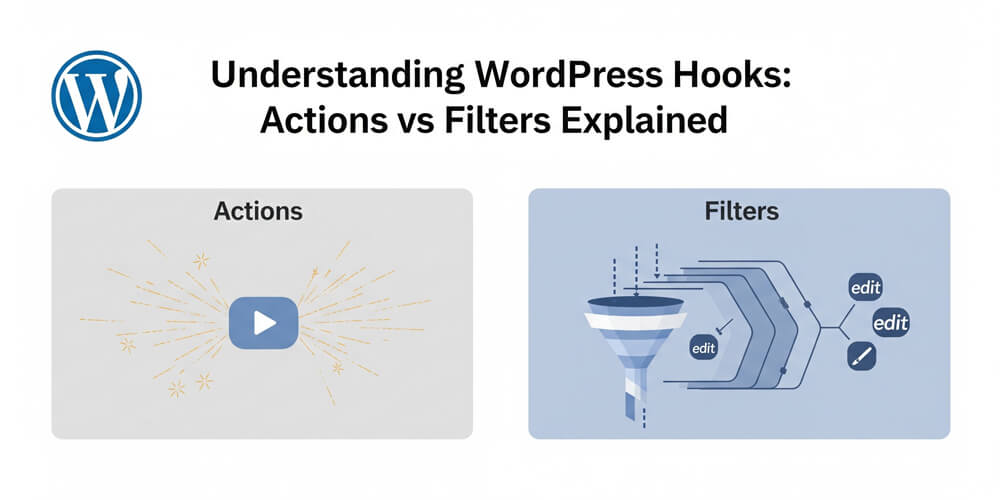
Featured image for Understanding WordPress Hooks: Actions vs Filters Explained
πŸ“ Post
WordPressDevelopmentTutorial

Understanding WordPress Hooks: Actions vs Filters Explained

Published:  at 
⏰ 18 min read

Learn how WordPress hooks work and how to use actions and filters like a developer.

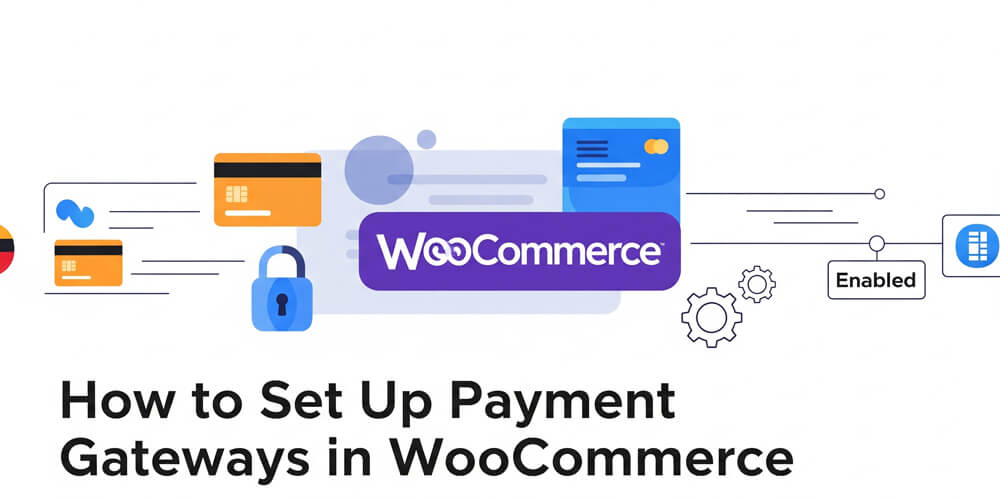
Featured image for How to Set Up Payment Gateways in WooCommerce
πŸ“ Post
WordPressWooCommerceeCommerceTutorial

How to Set Up Payment Gateways in WooCommerce

Published:  at 
⏰ 9 min read

Accept online payments by configuring PayPal, Stripe, and other gateways in WooCommerce.